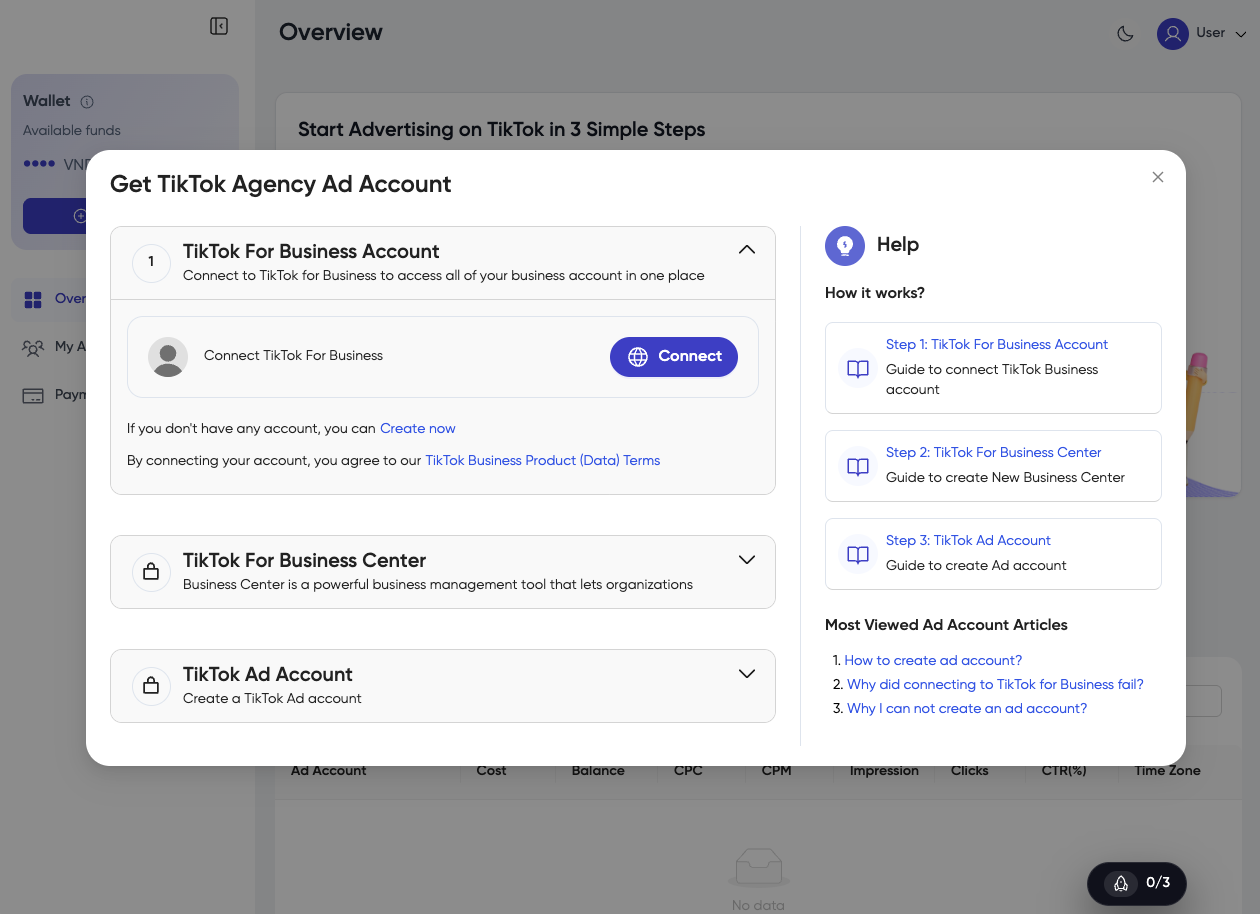
Step 1: Platform Account Registration
Guide to registering a Platform account.
1. Register with Email
-
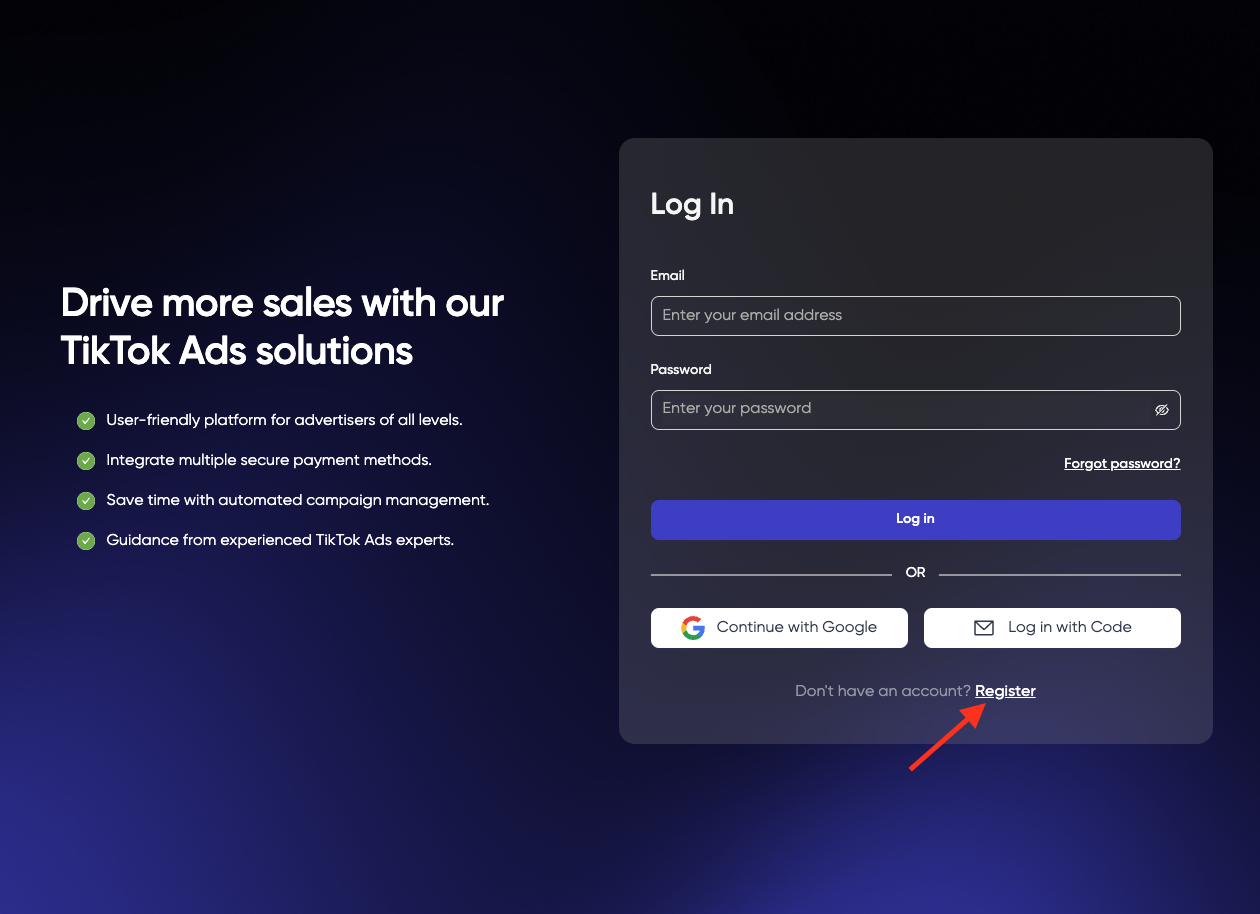
Access the TPlus Global platform or referral link.
-
Click Register.
-
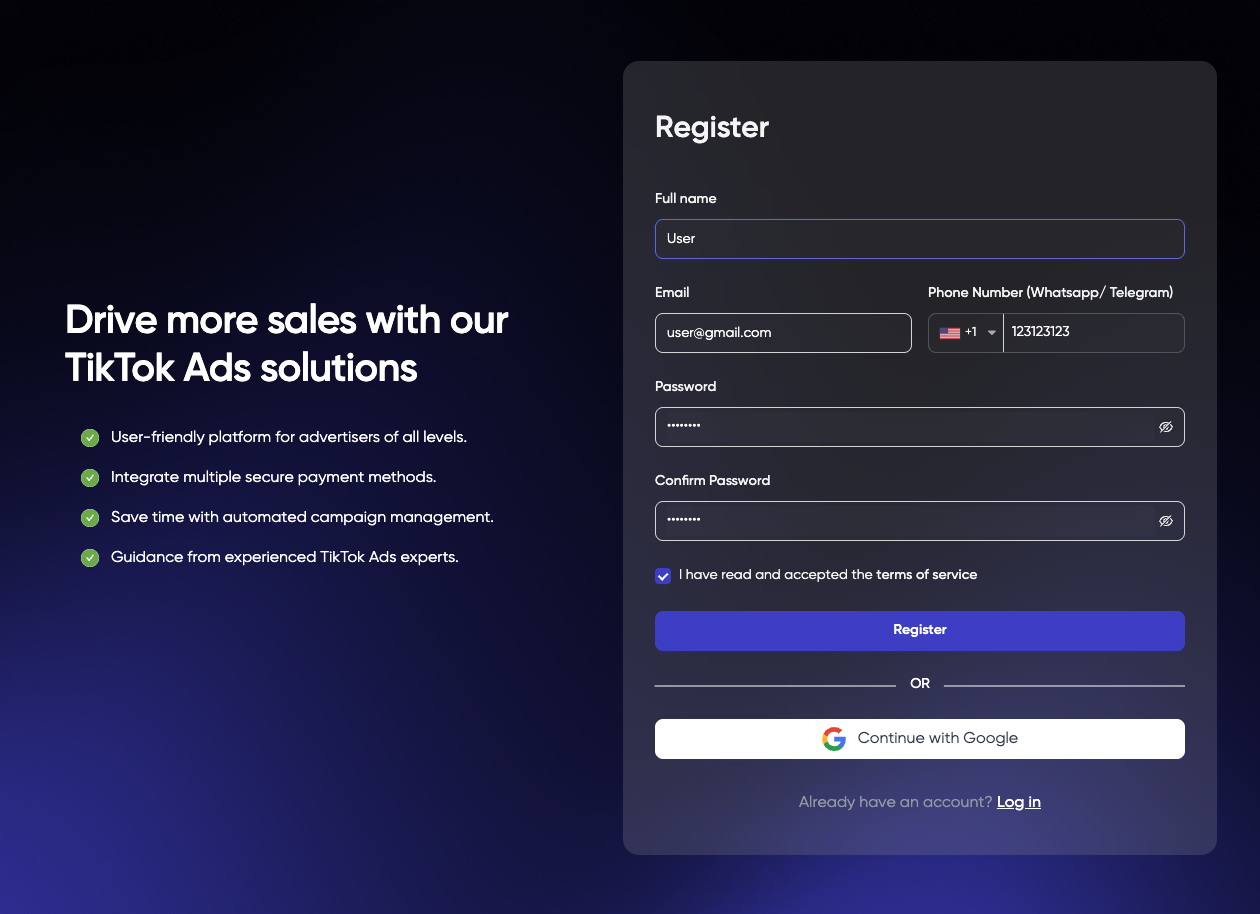
Fill in the required information:
- Full Name
- Email Address
- Phone Number (WhatsApp / Telegram)
- Password
- Confirm Password
-
Accept the Terms of Service.
-
Click Register.
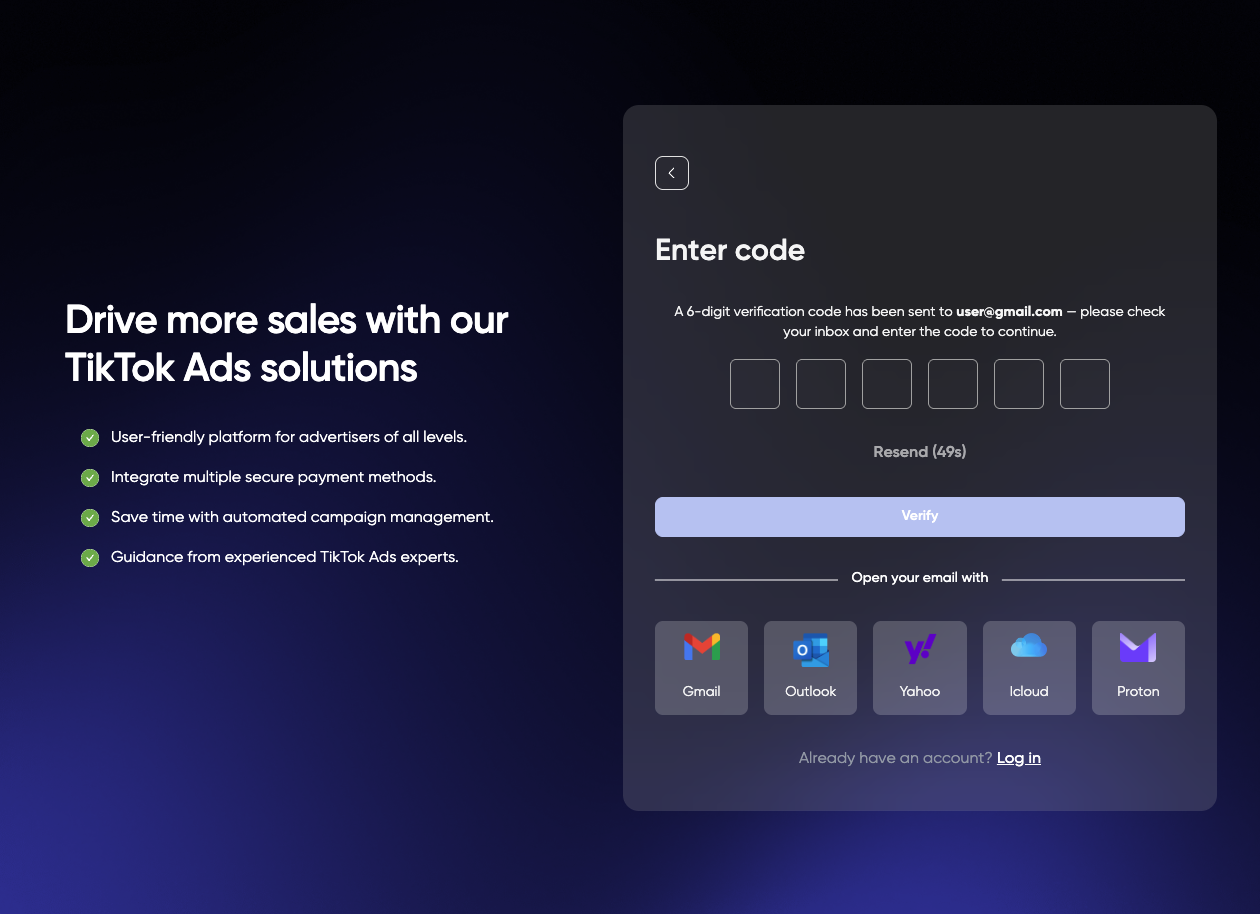
- Check your email and enter the verification code.
- Your account has been created successfully.
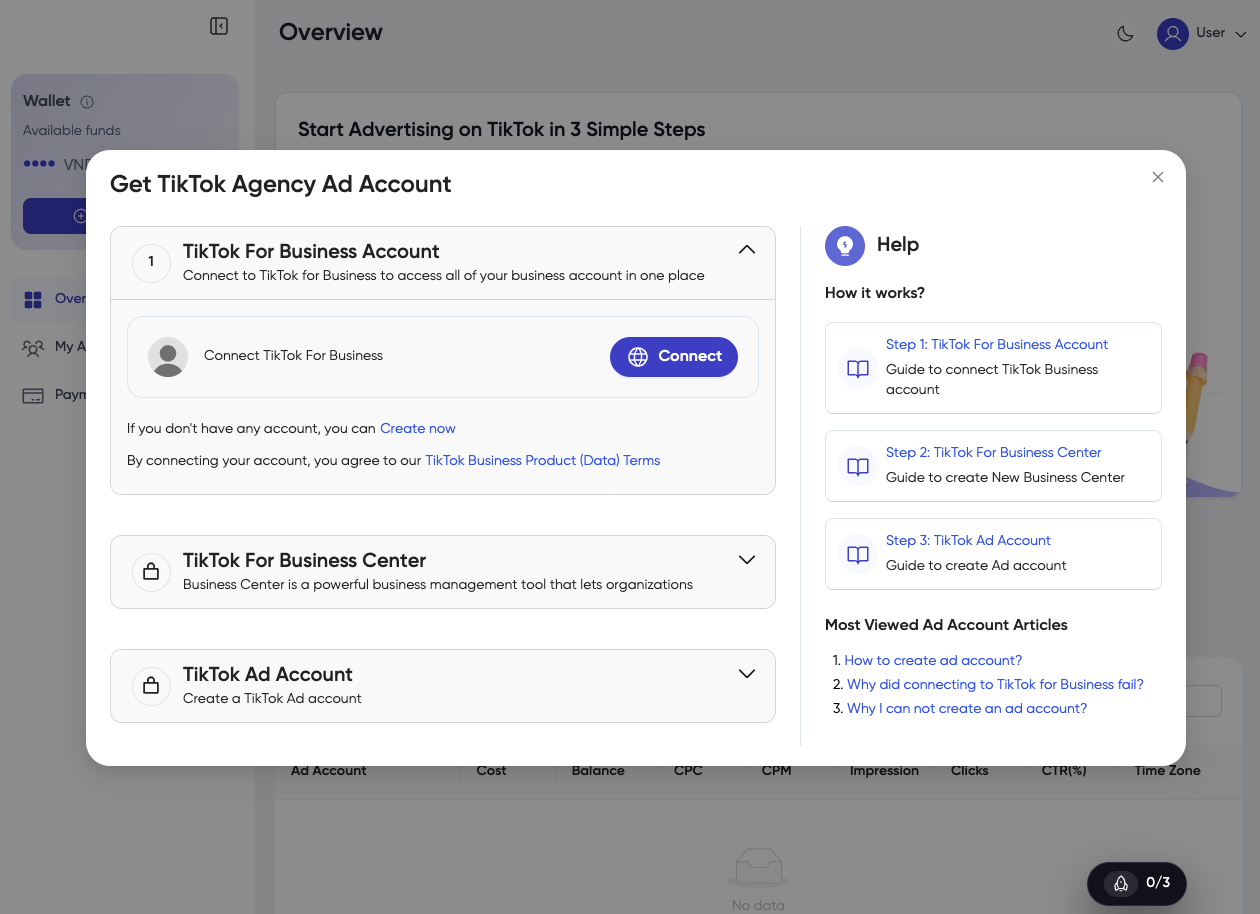
2. Register with Google Account
-
Access the TPlus Global platform or referral link.
-
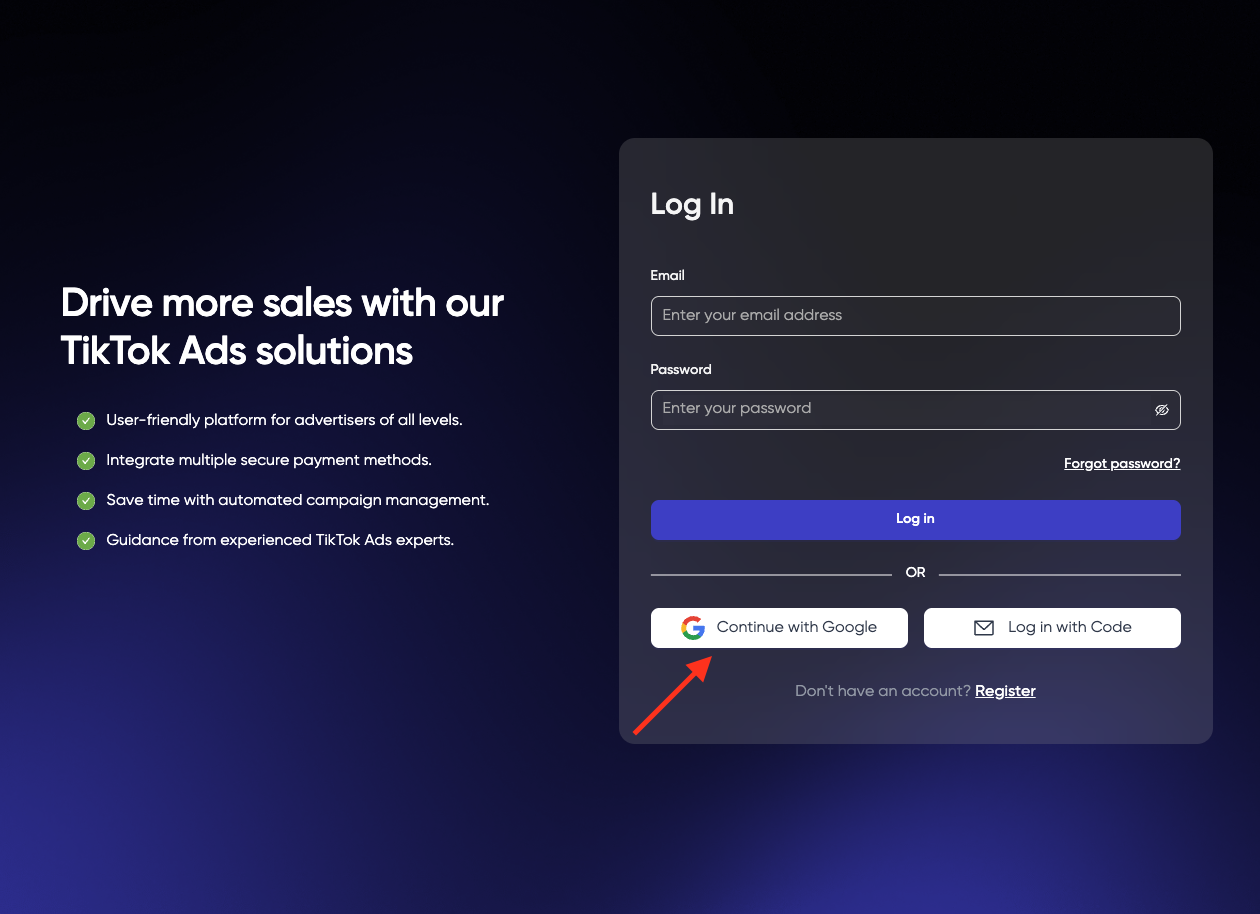
Click Continue with Google.
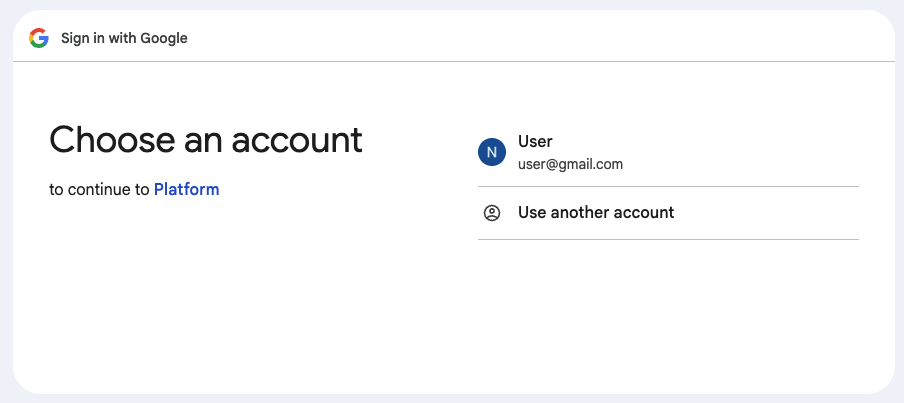
- Select your Google account.
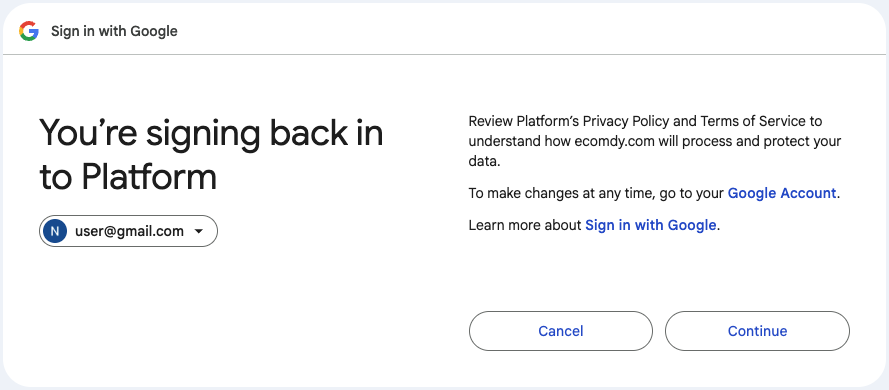
- Click Continue to authorize.
- Your account has been created successfully.
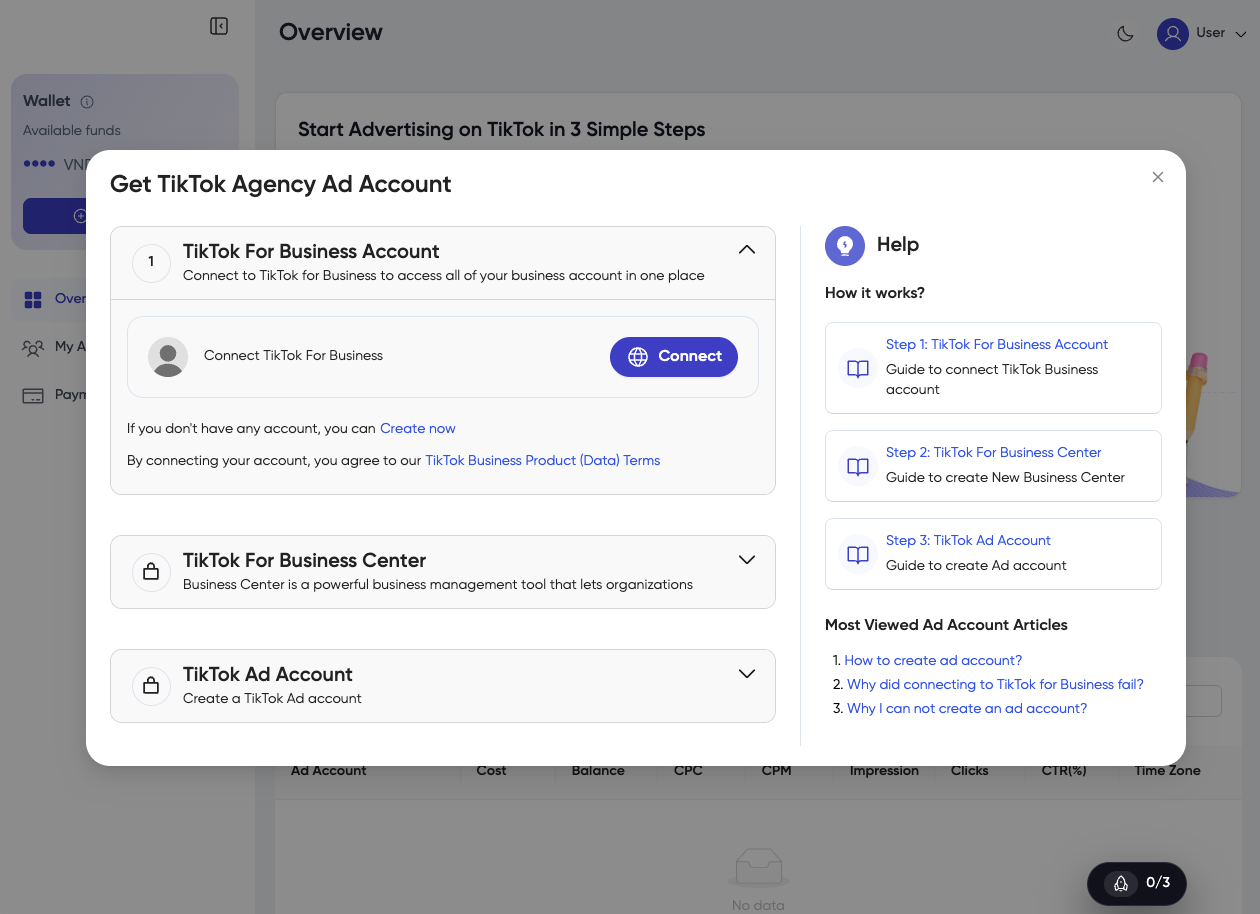
3. Register with Code
-
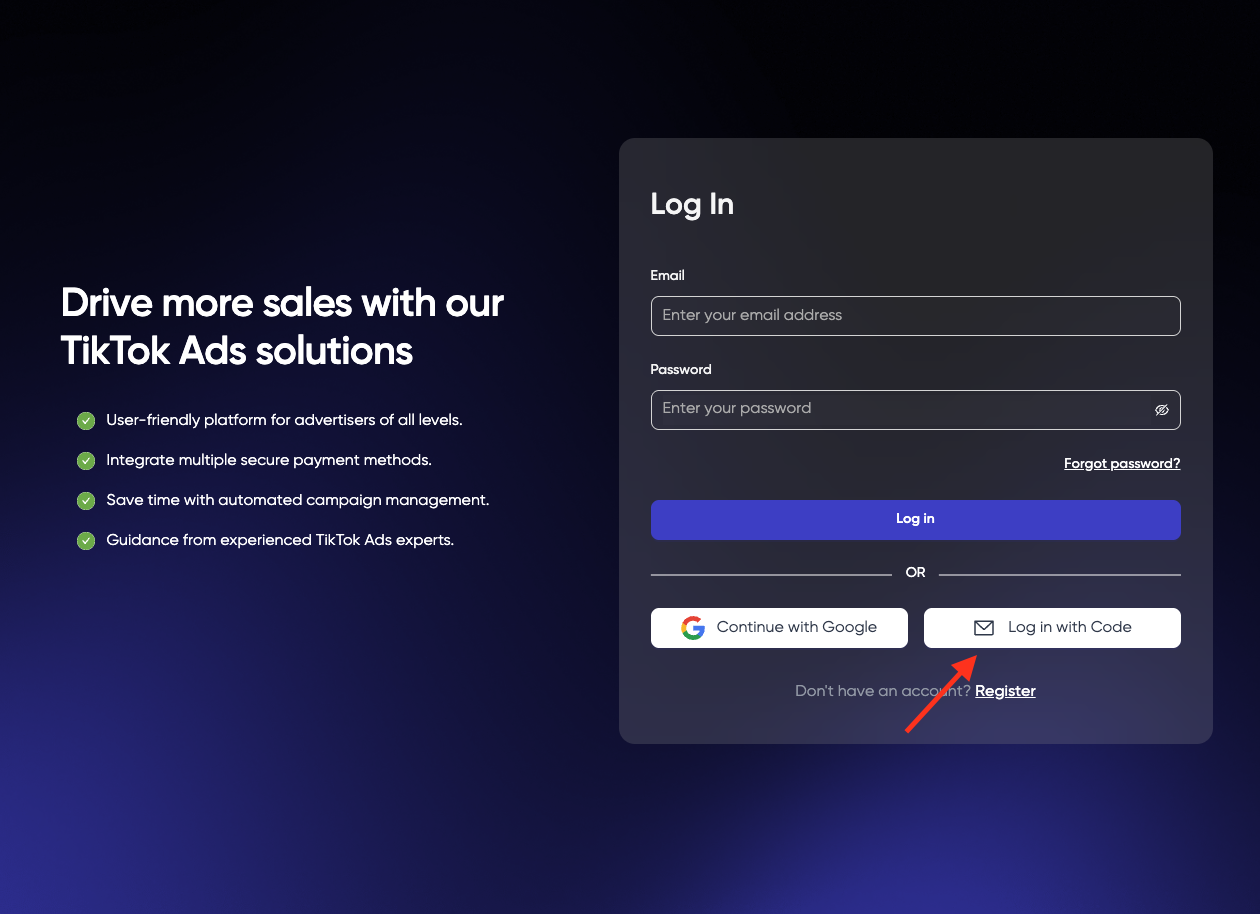
Access the TPlus Global platform or referral link.
-
Click Register with Code.
-
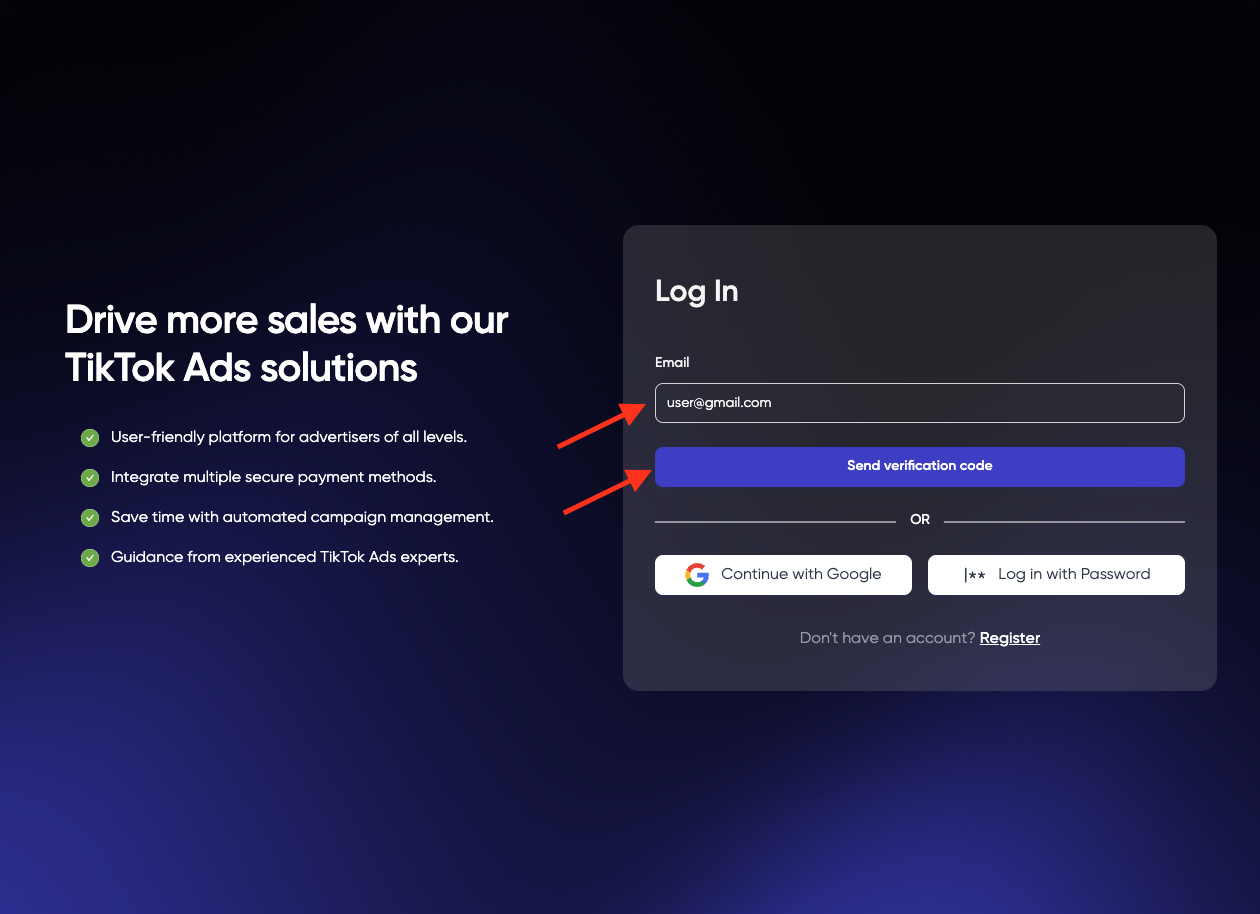
Enter your email address.
-
Click Send Verification Code.
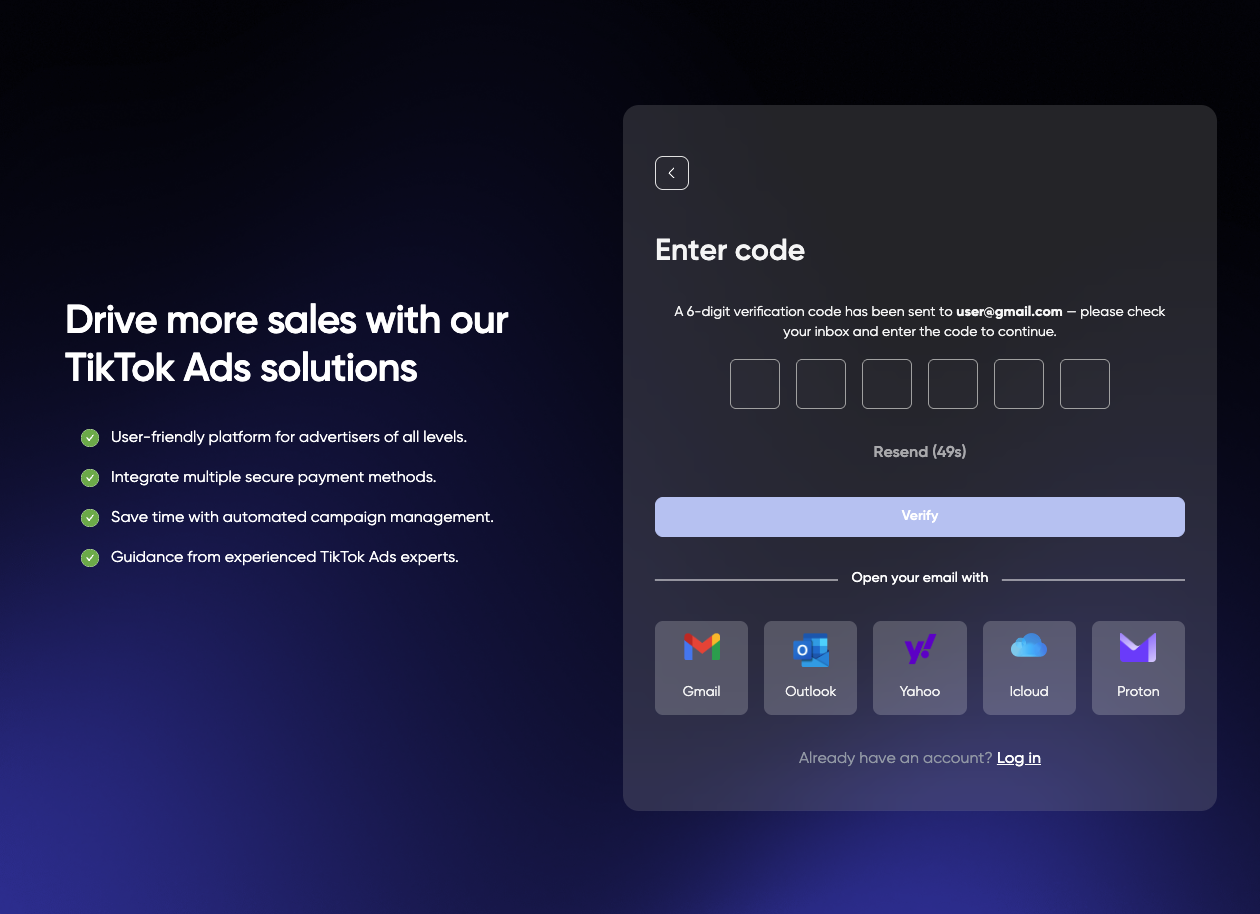
- Check your email and enter the verification code.
-
Click Verify.
-
Your account has been created successfully.