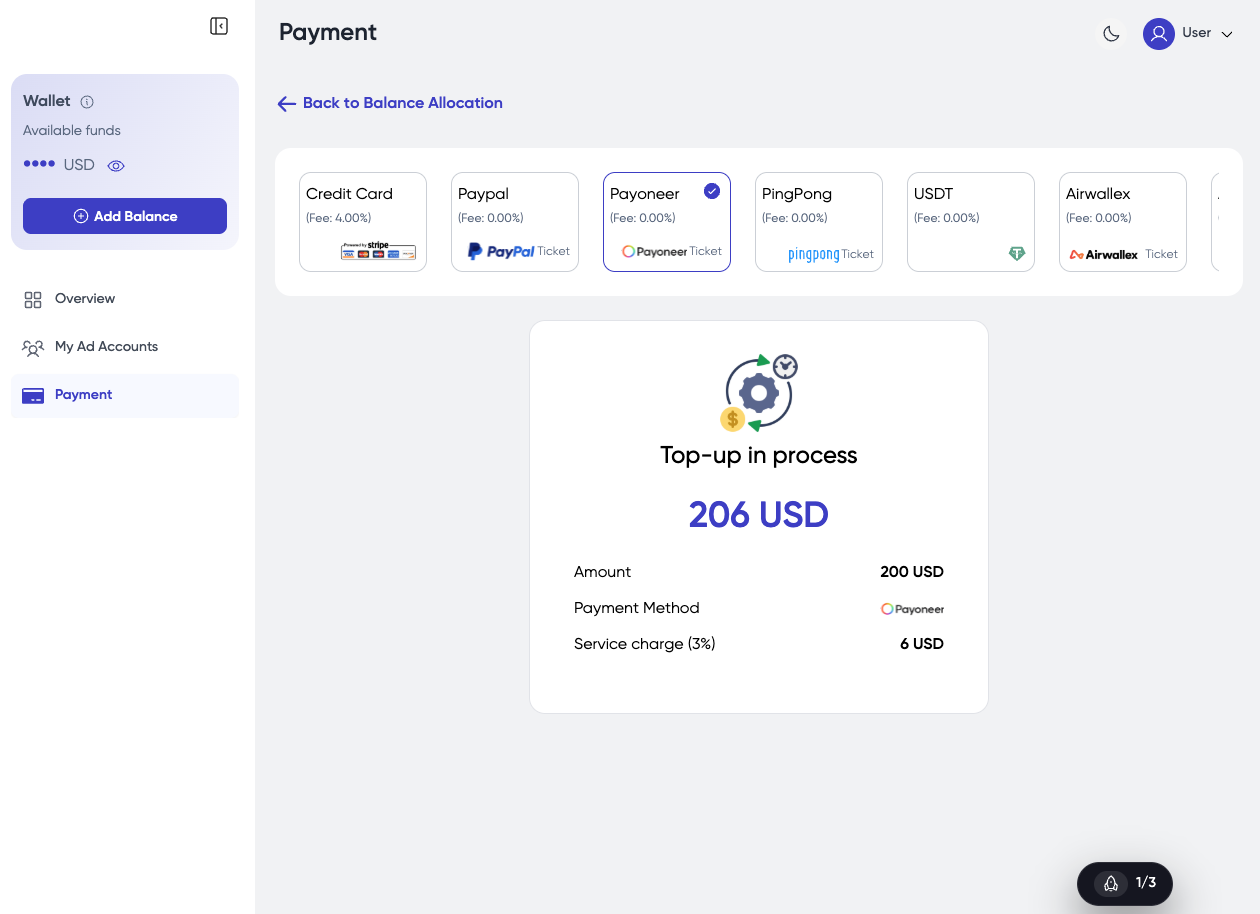
Payoneer
Payment process via Payoneer.
-
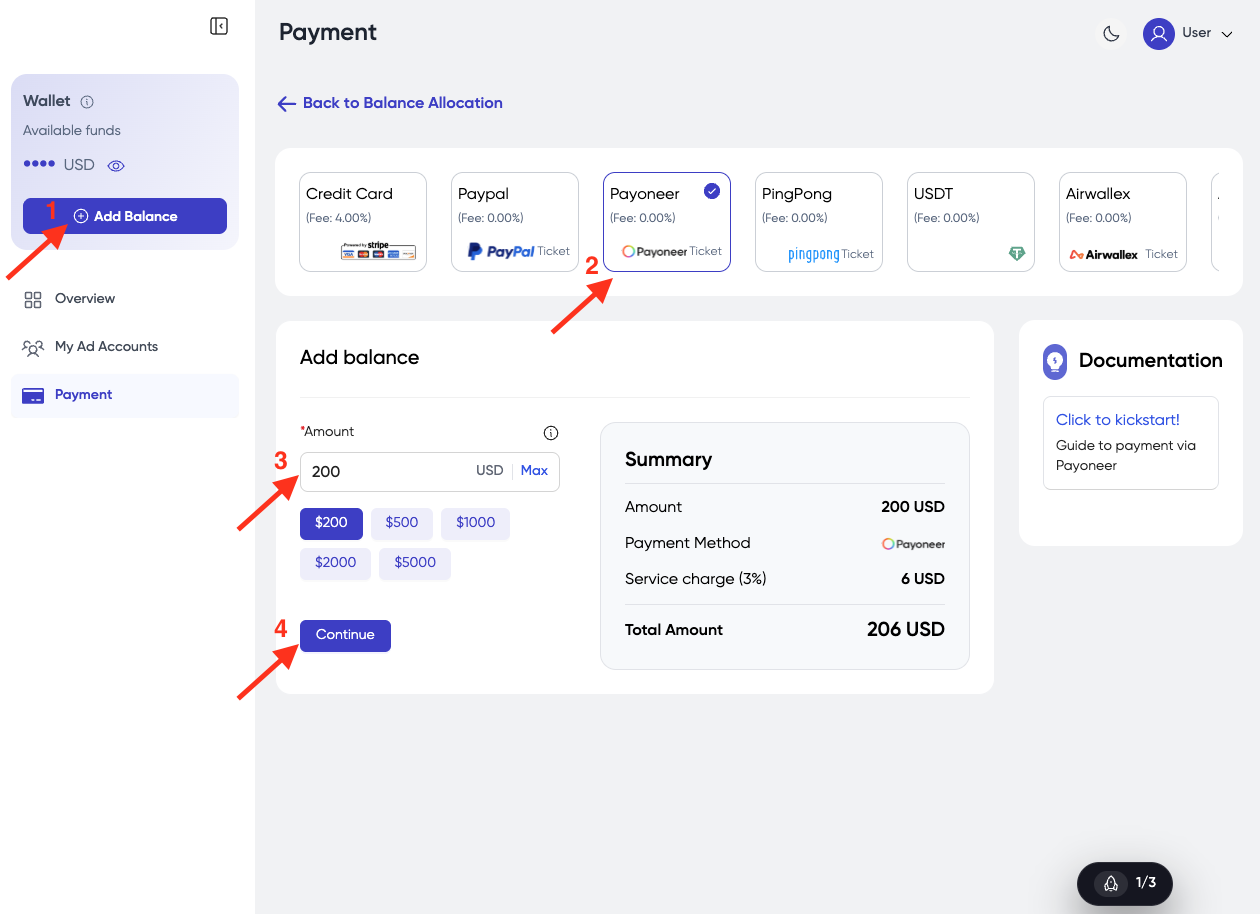
Click the Add Balance button and select Payoneer as your payment method.
-
Enter the amount you want to add to your account, then click Continue.
-
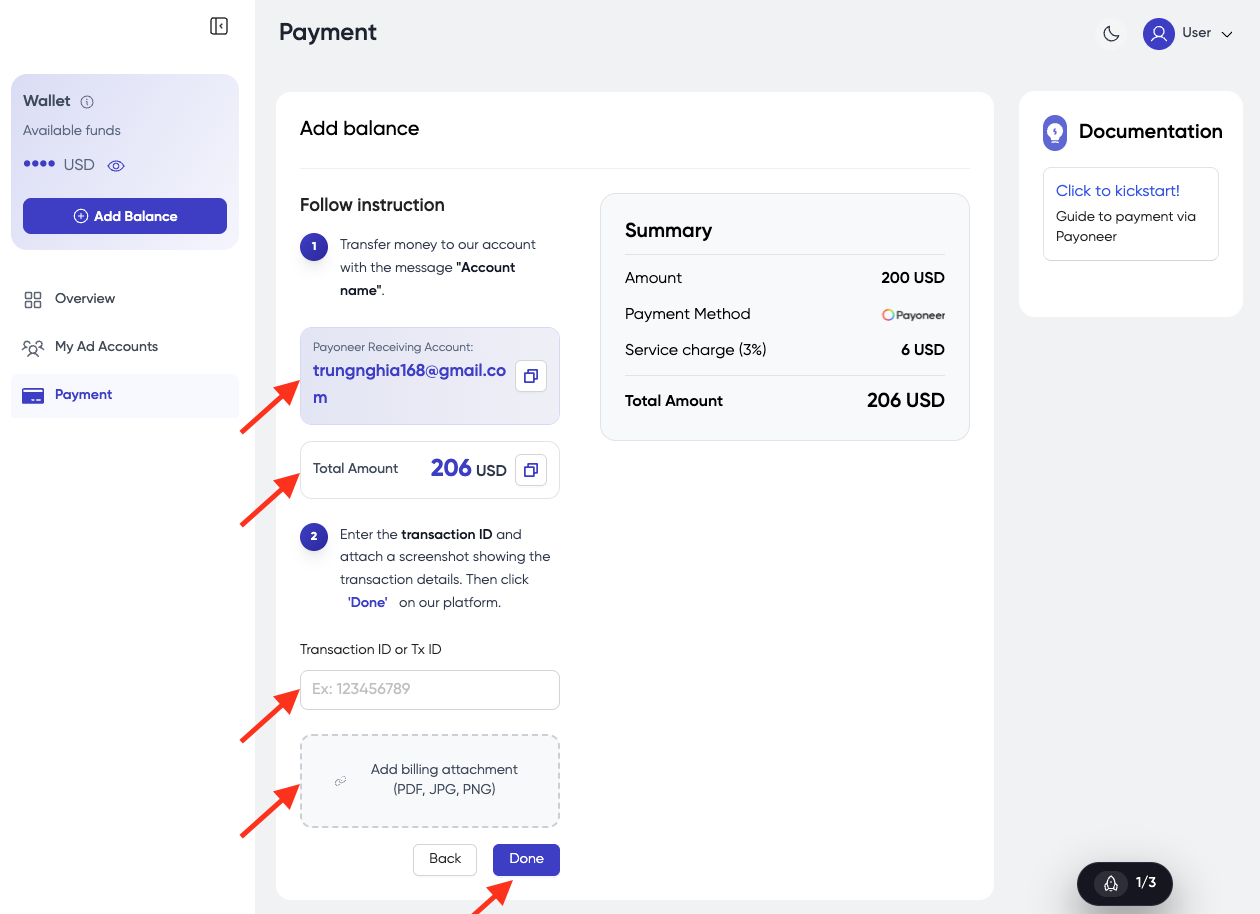
Transfer an amount equal to the Total Amount shown in the Summary section to the displayed Payoneer Receiving Account.
-
After completing the transfer, enter the Transaction ID (TxID).
-
Upload the billing receipt.
-
Click Done.
- We will review your payment. If everything is valid, the amount will be added to your account.